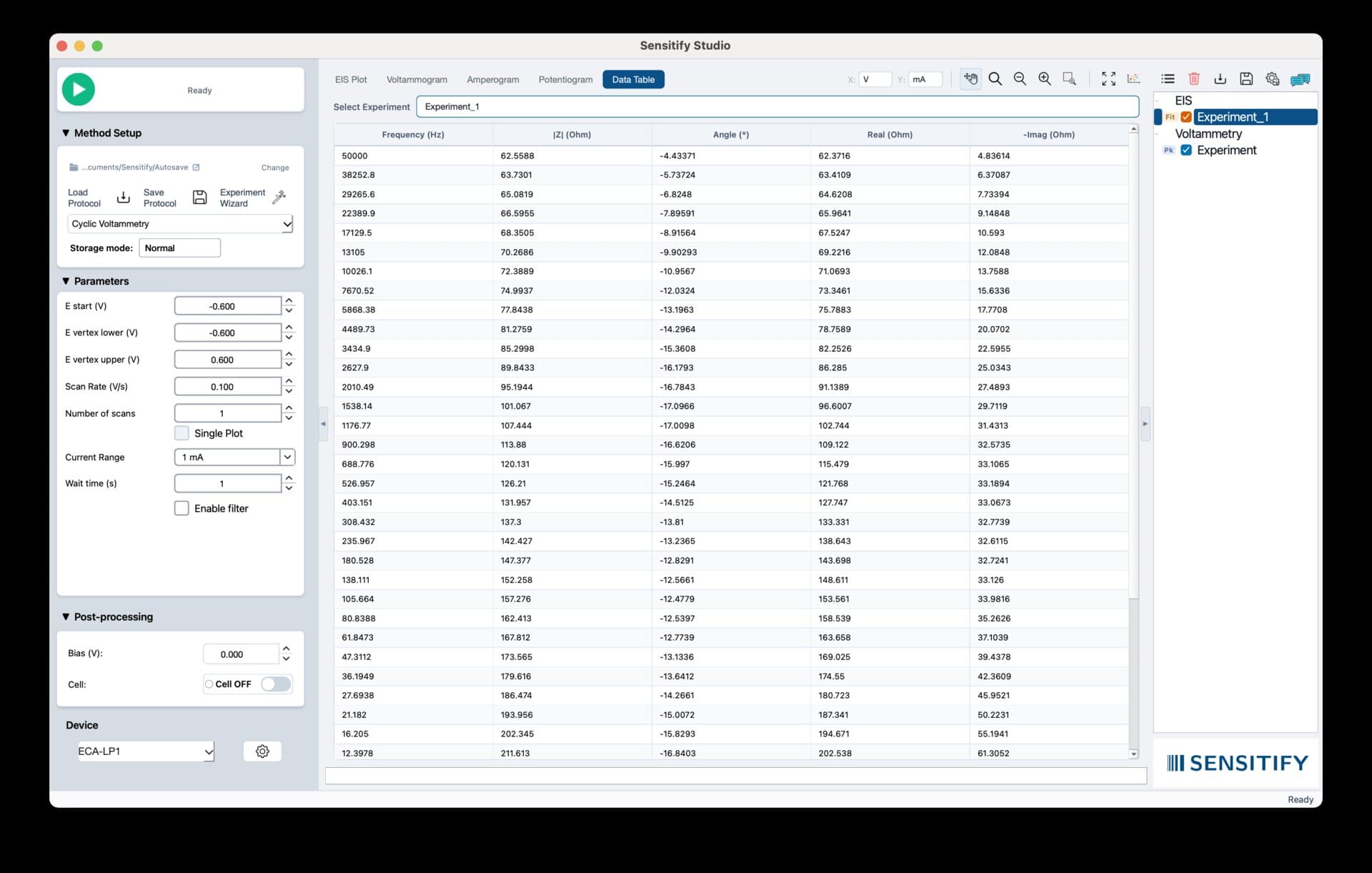
Studio exports every plot and every analysis table to three formats, each tuned to a specific downstream use.
Vector PDF for manuscripts and print. Excel for collaborators who want to re-analyse. PNG for slides and email.
Export plots and analysis tables as publication-ready PDF, Excel, or PNG.
Studio exports every plot and every analysis table to three formats, each tuned to a specific downstream use.
Vector PDF for manuscripts and print. Excel for collaborators who want to re-analyse. PNG for slides and email.
PDFs are vector, rendered from the same plot engine as the screen view. Every curve, label, and axis stays crisp at any zoom. Fit parameters, peak tables, and instrument metadata are embedded as a second page.
Excel exports write each scan to its own sheet, with a metadata sheet in front summarising instrument, technique, parameters, and analysis results. Column headers include units.
PNG exports use the current plot view at a configurable DPI, with a choice of transparent or solid background and the option to include or strip axis labels.

Format
Typical: PDF
PDF, Excel (.xlsx), or PNG. Pick per-export or set a default in preferences.
Resolution (PNG)
Typical: 300 dpi
72 / 150 / 300 dpi or custom. 300 dpi covers print; 150 is plenty for slides.
Include metadata
Typical: On
Experiment parameters, date, operator, instrument serial. Recommended on for anything archived.
Include analysis
Fit parameters, peak tables, integration results. Writes as a second page (PDF) or an extra sheet (Excel).
Axis range
Use the current view, or type explicit limits. Useful for producing a series of figures on identical axes.
Walkthrough
Export a circuit-fit figure for a manuscript
Result
A vector PDF figure ready for direct insertion into a LaTeX or Word manuscript, and an Excel workbook with raw data plus an Rs / Rct / Cdl parameter table in the SI.
Export is File → Export or ⌘E. Every format carries the same metadata, so a PNG and a PDF of the same plot report the same instrument, technique, and analysis provenance. Batch export from the scan list processes every selected file in one go.
Step-by-step in docs
Export for publication
Other analysis tools